
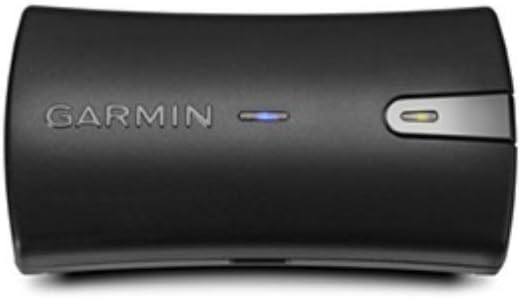
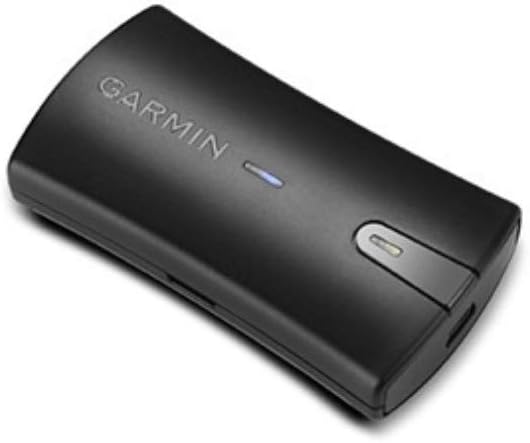
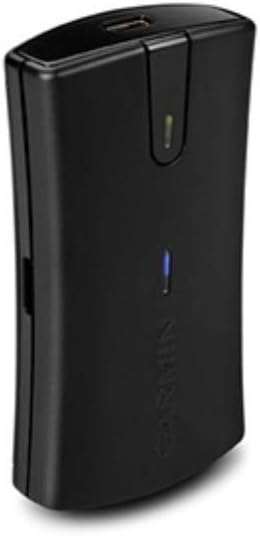
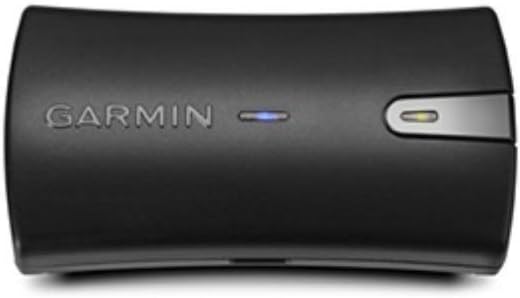
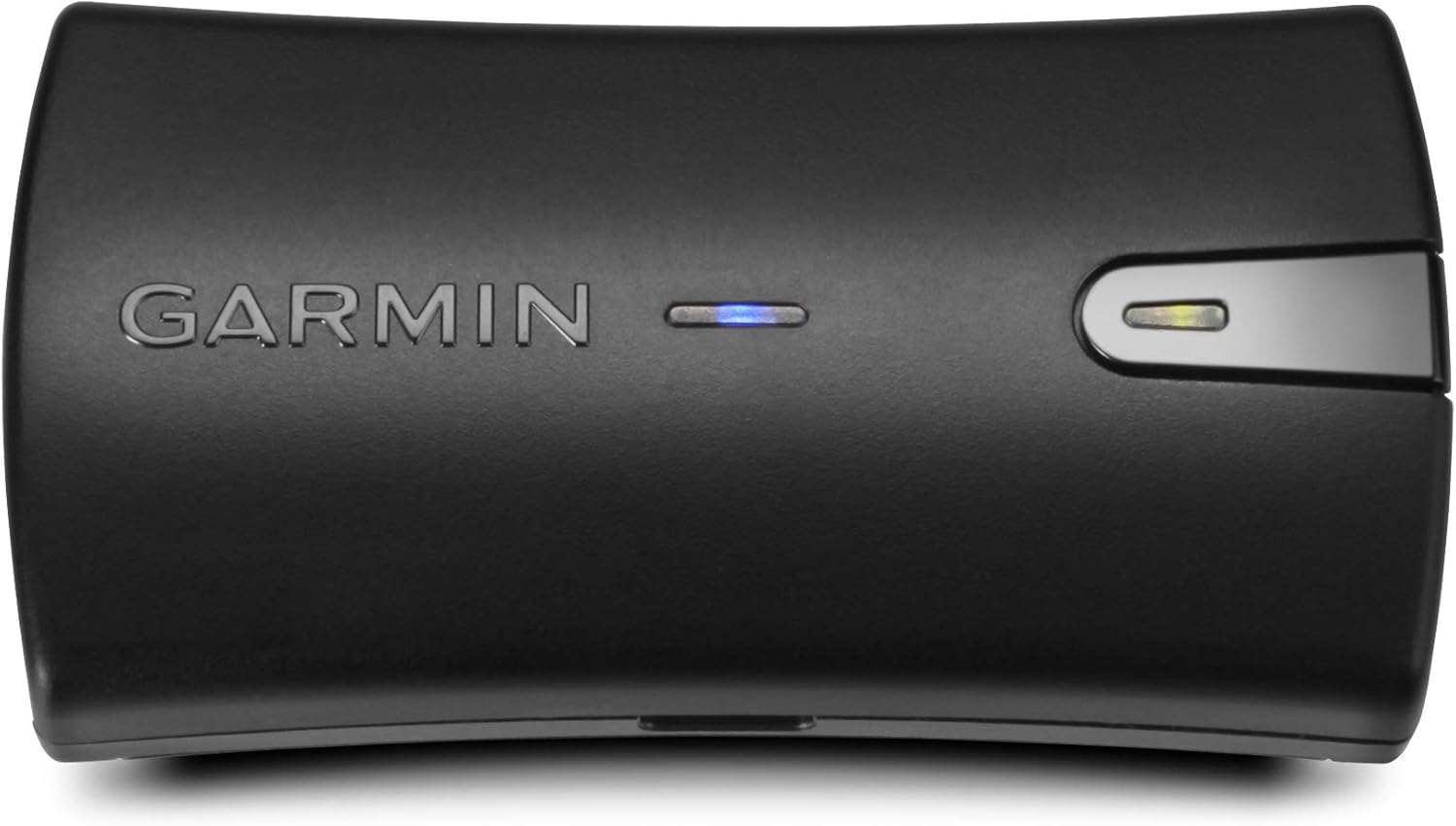
Garmin GLO Portable GPS and GLONASS Receiver with Vehicle Power Cable
$ 38.44
I love it, now. I bought this to run with Overland Navigator for off-road vehicle track recording and navigating. I’ve had to get multiple systems to work together, not the fault of the Glo or O.N.. Now that its sorted, its been great. Heres what i did:Starting from the top: Used with Windows 7 laptop: My Bluetooth device manager discovered the Glo, but represented it as a headphone device that needed troubleshooting. (Don’t bother troubleshooting. Just sayin’.) My BT is up to date, and my Glo came shipped with software version 2.7, the most recent. To this day, my BT manager displays the Glo as a headphone with problems, and I never got to the “Connecting” step of set up. I had to explore the Comm port properties and Bluetooth settings to apply the Passcode. Which is 1234. Really. Do this step first! In the Bluetooth manager, my Glo is currently configured Com port 4, 9600 baud. Your com port number may vary, but 9600 will be applied later.Next issue: I need a program to translate a GPS device to NMEA protocol that my mapping program can read. For my Windows 7 laptop, its GPSGate 2.6 by Franson. (on Garmin’s site.) Downloaded and the setup wizard discovered the Glo, no problem.In GPSGate’s INPUT tab, the Glo is configured “com port 4/Garmin to NMEA,” and under Output tab, “GPSgate Direct.” (Write that down!) There are many, many options, although your com port # may vary. Then, I opened Overland Navigator’s Settings program, where I set it to com port 4, 9600 Baud under the GPS Interface tab. I left the NMEA interface alone.Once GPSgate is “opened,” (in the INPUT tab) it responds with a few different messages, here is what they mean: (I think) GPS Not Responding, means that the BT connection failed even though it has good satellite, (blue light flashes, green light solid.) Running Fine, but No Data Coming In means that its BT connected, but no satellite. (blue light solid, green flashes.)I was stuck in the “GPS not responding” mode for a long time. Franson was “running OK!” but the connectivity from the Glo to BT was crap. Its here that i start losing my mind, but I then discover that when i actually run Overland Navigator and not just the Setup program, the connection becomes good and the program can find and track me. Simple. (huge sigh of relief!)I’m not a computer savvy person, but I think I’ve figured it out after much mucking about, and with help from Craig at Spatial Minds, makers of Overland Navigator. Thank you Craig!Update: its been a few weeks, and my experiences with this device are very good. Overland Navigator’s recorded and exported tracks literally drag and drop into Garmin’s Basecamp and become tracks and waypoints. (GPX files.) I’ve also used the Glo on my Android phone with a Bluetooth mapping app, and its super-accurate. I’m happy with the Glo in conjunction with Overland Navigator. Lots of programs navigate OR track, but not many do both. Between the Glo and software, i’m in for less then $175 for two states worth of maps. Happy overlanding camper!Another Update: its now October 2016 and things are still great. Since the Framson Gate runs in the background, all i do is open Overland Navigator, (actual program, not the setup) and it takes just a few seconds to find me. Exporting files and using them in Garmin Basecamp is great too.
Related products
Sale!
$ 38.44
Sale!
Hockey Player
$ 98.66
$ 38.44